


Free PDF to Excel converter: what to check before you trust the output
Free PDF to Excel conversion is useful, but the finished spreadsheet still deserves a quick review before your team relies on it.
Small teams, finance assistants, operations leads, and analysts using free PDF to Excel tools.
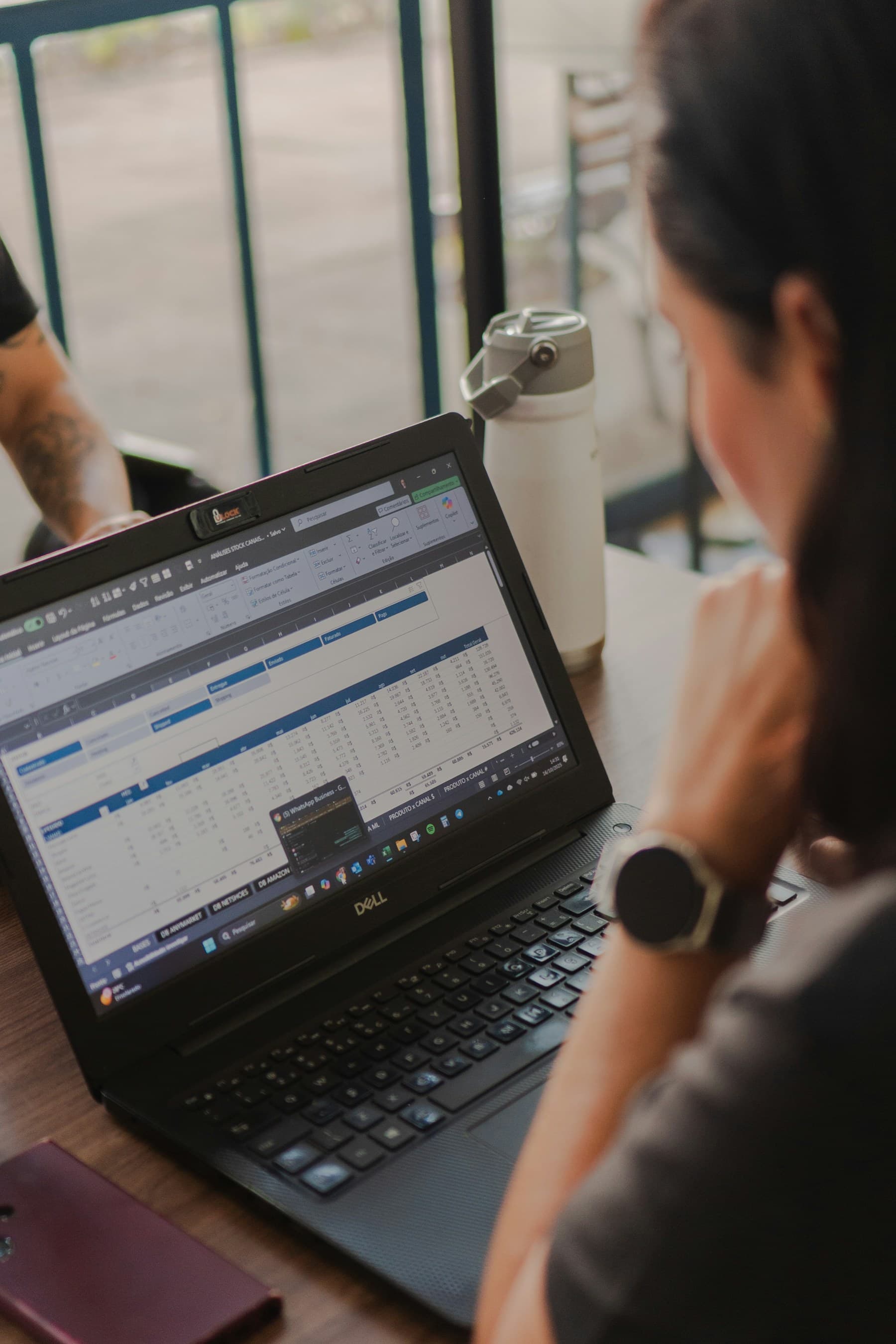
From PDF file to usable spreadsheet
Learn what makes a PDF easier to convert, when a focused converter helps, and how to check the finished Excel file.
PDF to Excel articles
Practical advice for teams that receive reports, invoices, statements, and pricing sheets as PDFs.
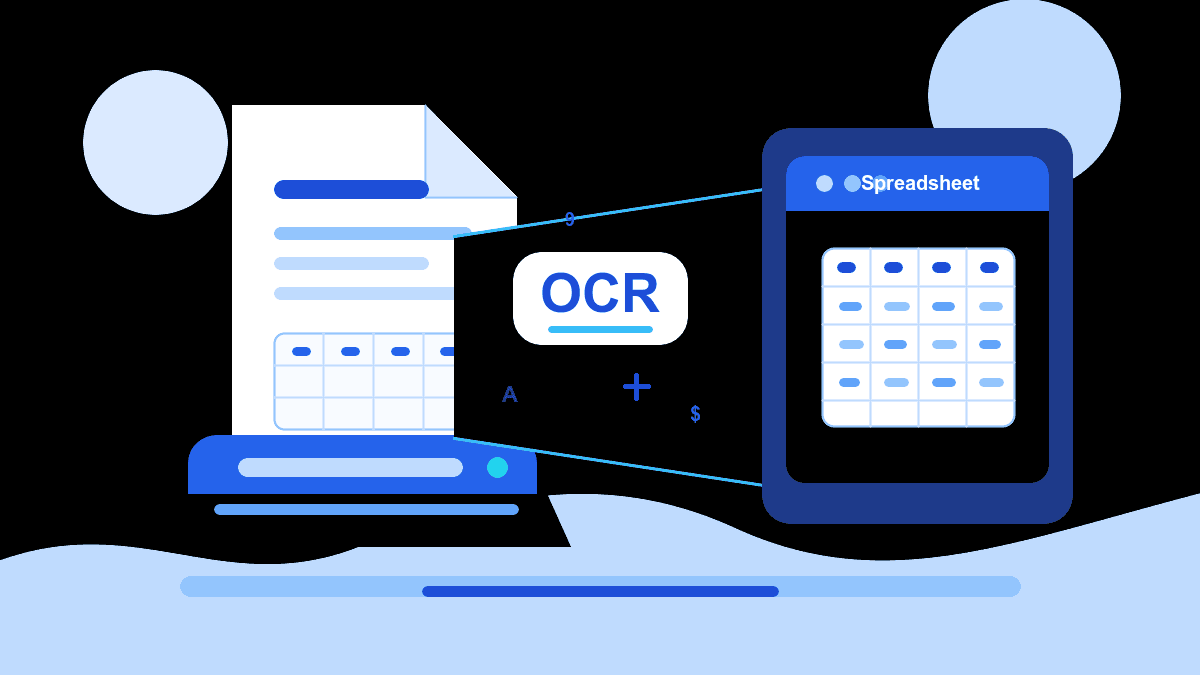
What is OCR? How scanned PDFs become Excel spreadsheets
OCR turns scanned page images into readable text. Here is what that means for PDF to Excel work and when it matters.
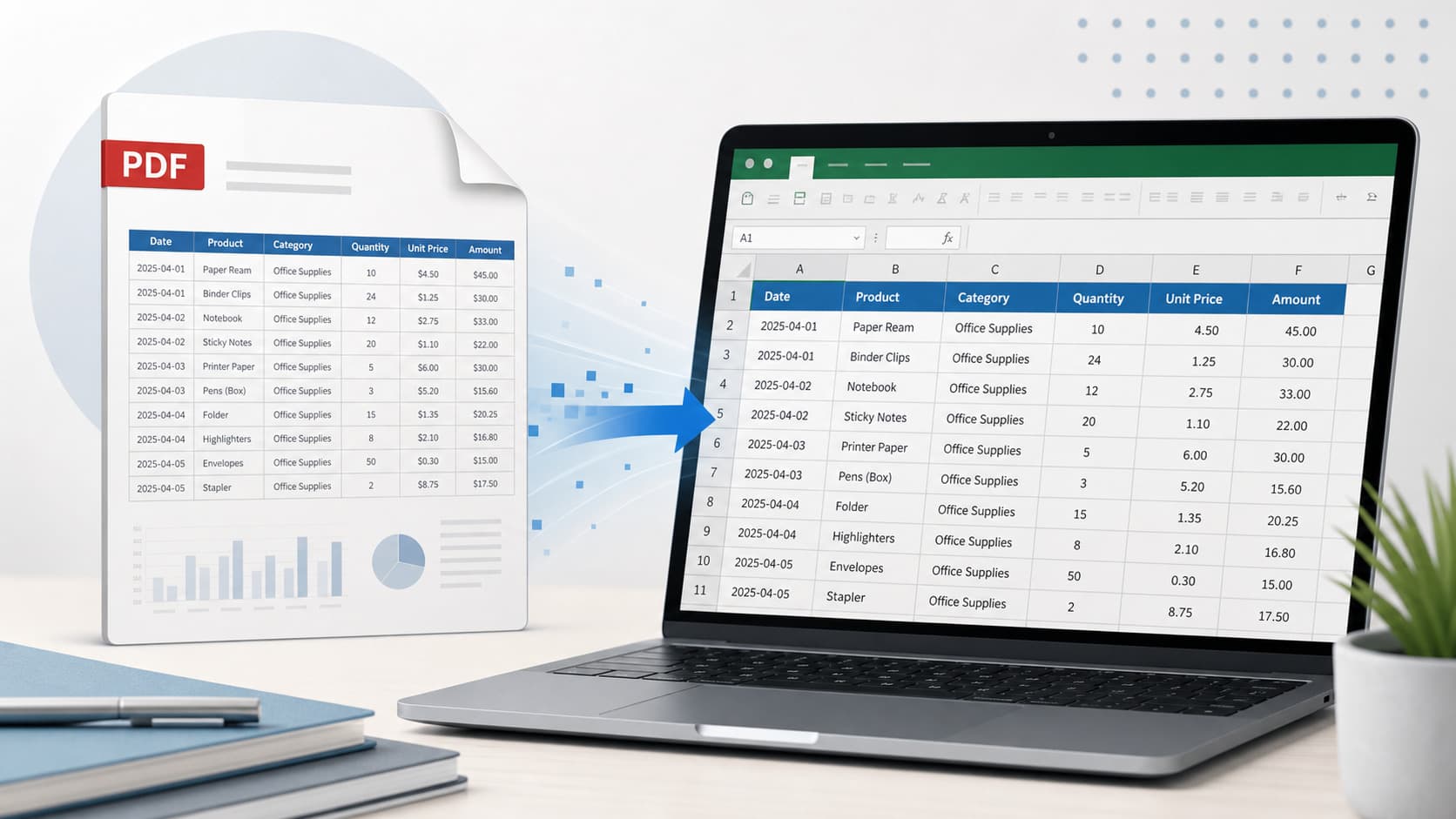
How to extract tables from a PDF to Excel
The best PDF table extraction results usually come from readable source files, clear columns, and a quick workbook review.
Convert invoice PDFs to Excel without manual copy-paste
Invoice PDFs often contain the data teams need most, but copying line items into a spreadsheet by hand is slow and easy to mess up.
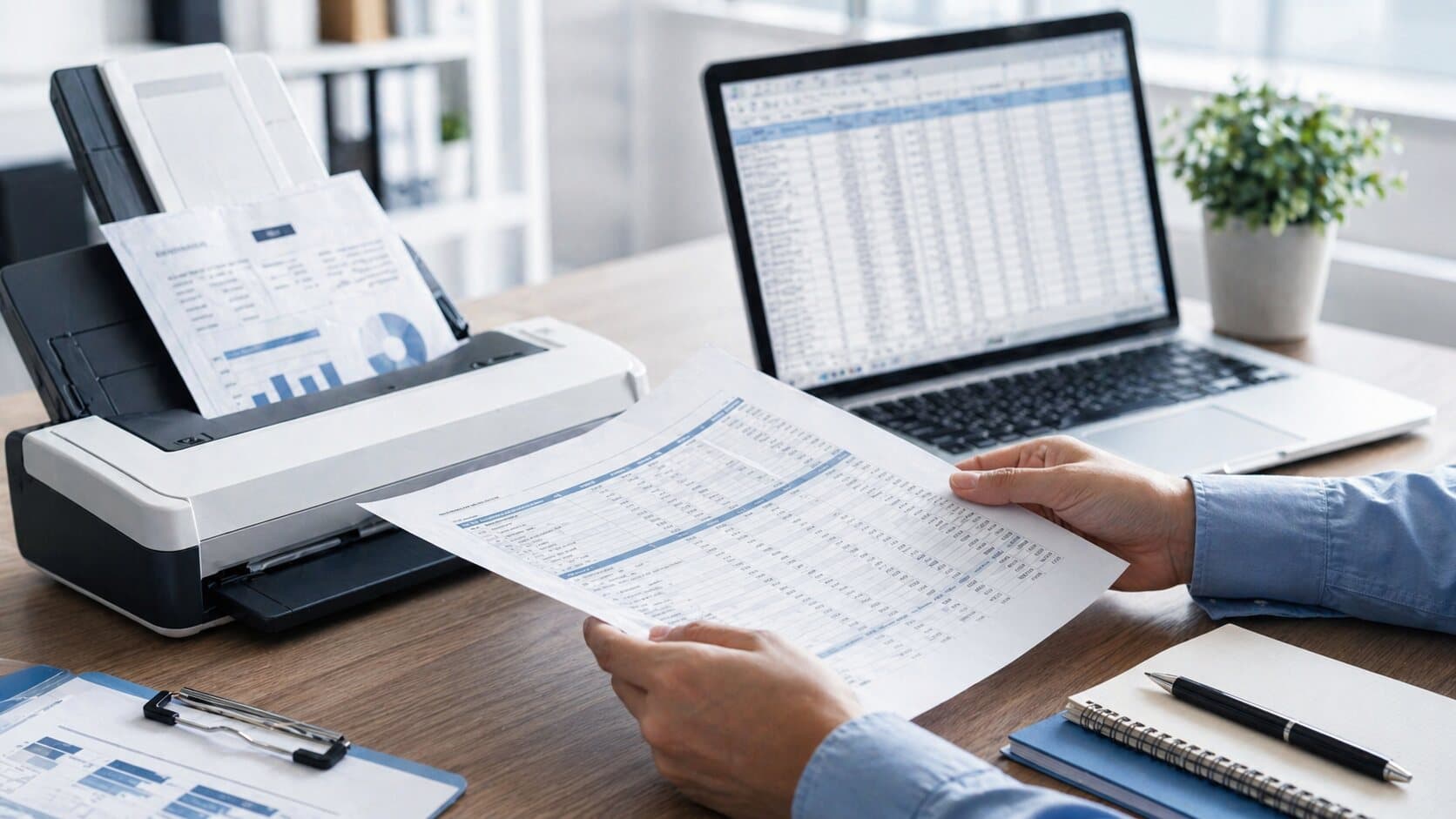
Scanned PDF to Excel: what works, what needs review
Scanned PDFs can be converted to Excel in some cases, but OCR quality and table layout decide how much cleanup remains.

7 PDF workflow best practices for small teams
A few simple habits help teams avoid messy versions, repeated copy-paste work, and spreadsheet cleanup.
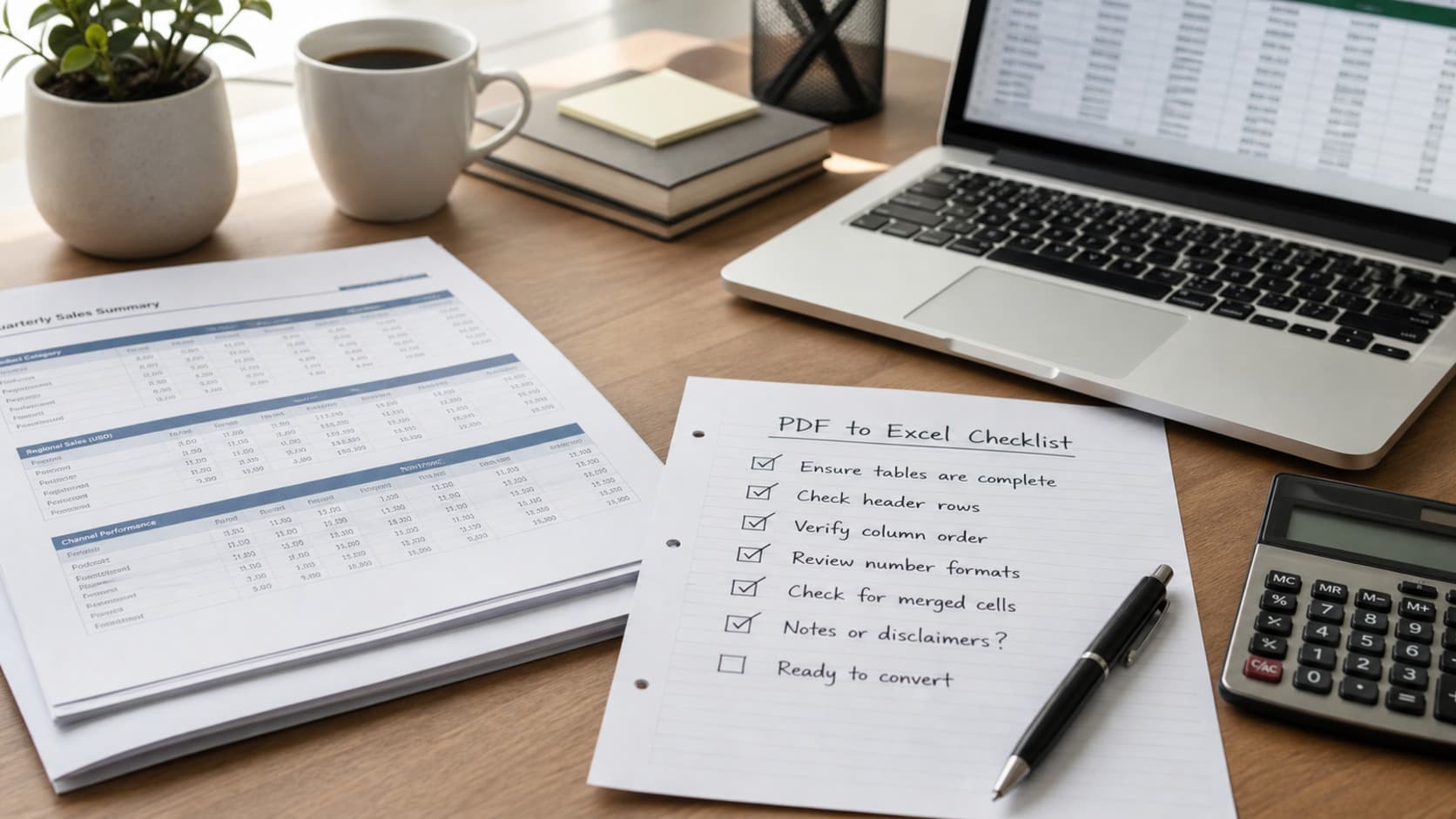
A practical checklist before converting PDF tables to Excel
A few quick checks before upload can save cleanup time after the spreadsheet is generated.

8 useful PDF tools for fast-moving teams
Different teams need different strengths. Some tools are better for editing, some for signatures, and some for repeatable conversion workflows.
PDF converters: practical pros and cons before you choose one
The right converter depends on how often you do the work, how sensitive the files are, and how much cleanup you can accept.